
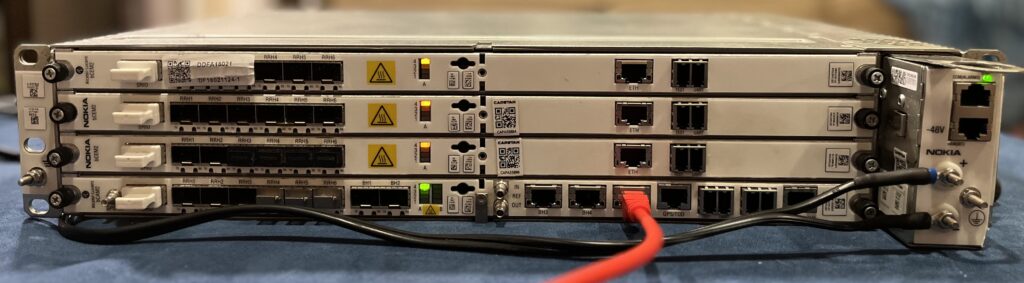
So you pull out your 9926 BBUv2, boot it up, and remember it’s only running LR16.1.L MNCL3. That’s so 2018. You really want to run mid-2019’s MNCL4 drop instead. It’s newer. Fresher. Nicer.
There’s only one way to fix this…
Run NEM
You’ve got the latest Network Element Manager (NEM) installed on your Linux machine. It’s not a Linux app (it’s Java) but you’ve got WINE and that works just fine. The only annoying thing is that you need to type a lot of stuff to start it because [reasons], but that’s a problem for another day.
$ wine ~/.wine/drive_c/users/dcbw/Start\ Menu/Programs/Nokia/NEM/NEM.LR17.1_D1.11.lnkYou remind yourself that WINE is pretty great because it can run all kinds of old enterprise stuff, but before you finish the thought up pops NEM’s login window.
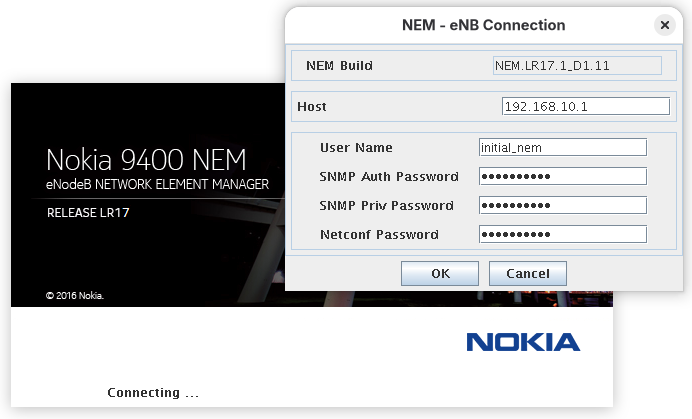
You type in the standard Alcatel-Lucent eNodeB username and password in all three boxes. It complains if any boxes are empty and you don’t want to make it angry.
initial_nem / Vq,A=V8o;#
Up pops the main window, but you can’t do anything for half a minute while NEM reads the BBU’s configuration. Eventually it’s done “reading documents” and “opening channels”.
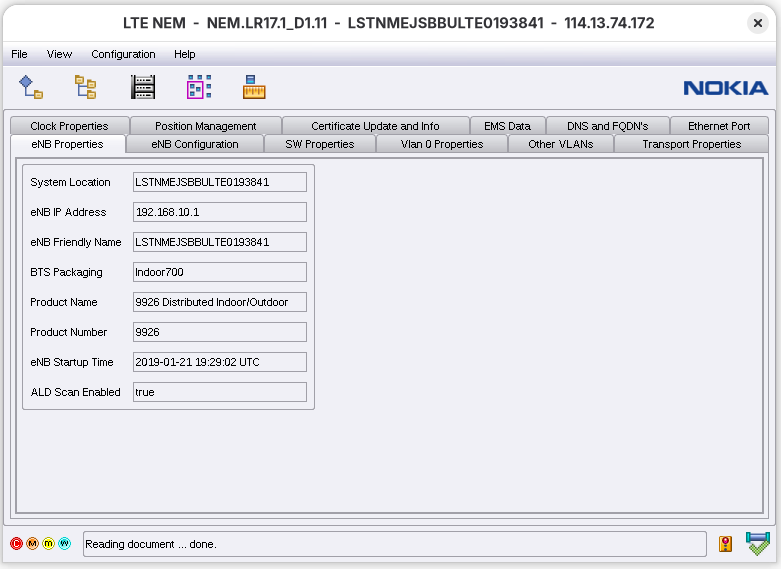
That’s a Lot of #
Flipping to the SW Properties tab you double-check versions to see what old thing you’ll be overwriting on the passive partition.
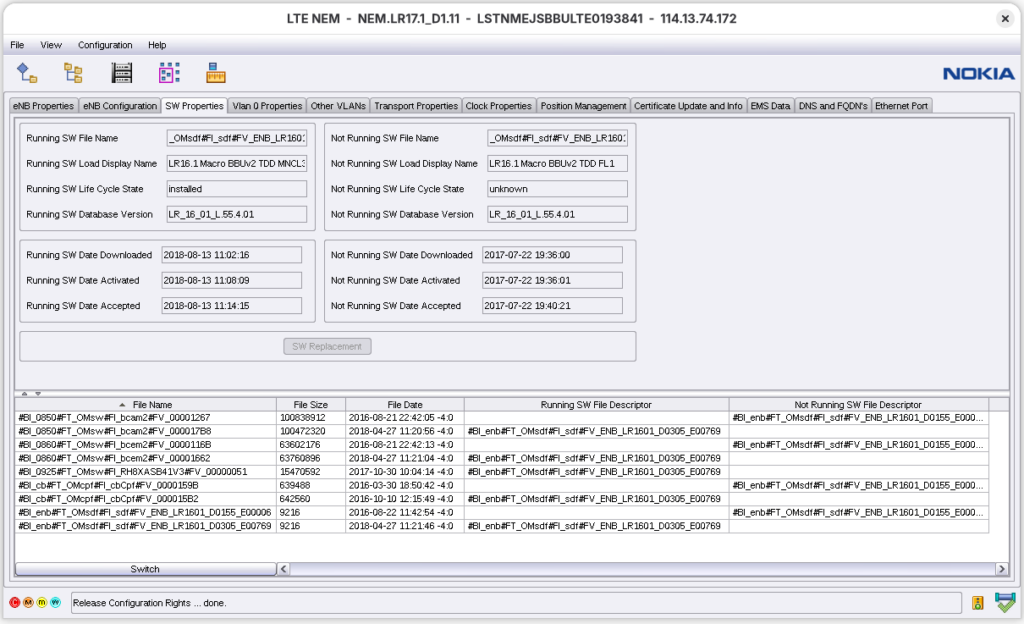
Ugh. 2017 is even worse than 2018. Goodbye FL1, to the curb you go. Hello MNCL4, shiny freshness, and sweet sweet 2019. Let’s do this.
But you can’t do anything until you allocate configuration rights. You thought you had all the power but NEM reminds you that you’re still mortal. For now.
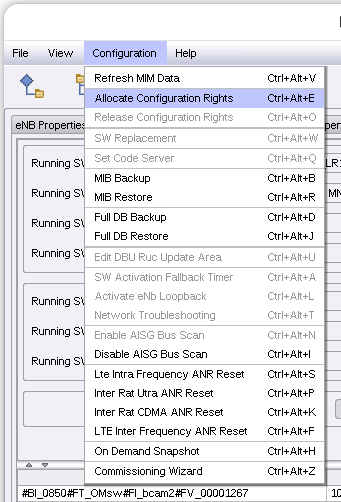
That’s better, now the SW Replacement button is enabled and the world is yours. So hit that button already! But wait, this part actually requires some terminal work, not just a Java GUI app. You need to copy MNCL4 to a place where the 9926 can find it with SFTP. Don’t worry; it’s a Linux system. You know this!
$ mkdir /home/rbs/alcatel/ENB_LR1601_D0305_E00771
$ cp ENB_LR1601_D0305_E00771.srs.tar.gz /home/rbs/alcatel/ENB_LR1601_D0305_E00771
$ cd /home/rbs/alcatel/ENB_LR1601_D0305_E00771
$ tar -xvf ENB_LR1601_D0305_E00771.srs.tar.gz
$ systemctl start sshd
Yes! It worked! You log into your local machine’s SFTP server from the chooser dialog and navigate to the SDF file. You select it, pour one out for FL1, and hit OK.
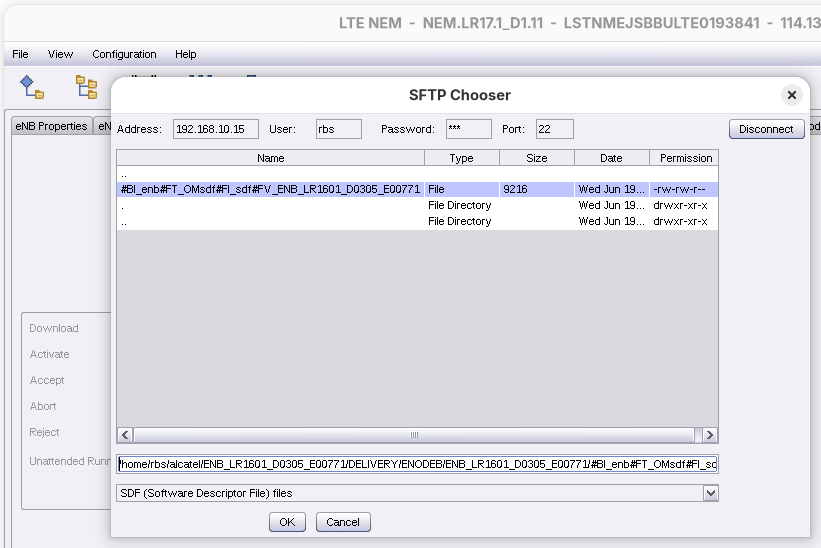
It begins. The BBU reads the file list from the SDF file and begins sucking down the update.
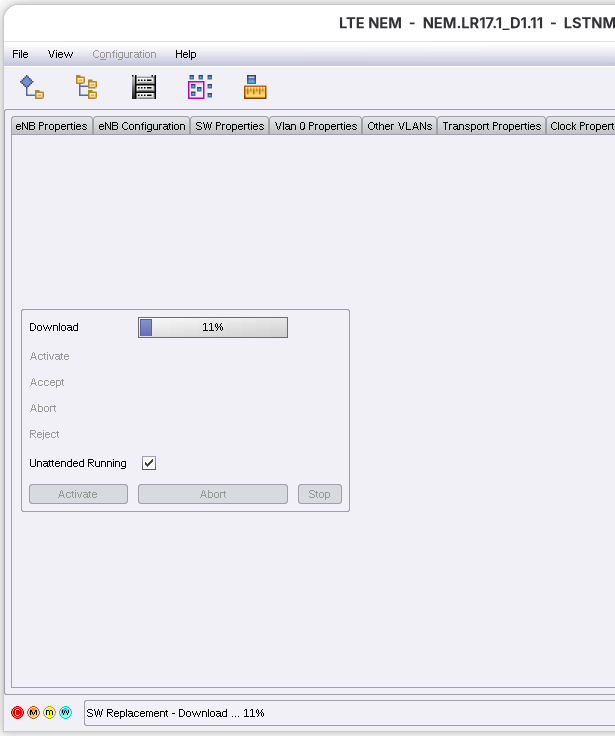
Now’s a good time to get a drink, you tell yourself. Maybe some water. Or coffee? In any case it’ll take a while. You get back with your coffee and it’s still not done loading. You SSH in and poke around.
SDCXM-SDCAM-1-root-enbodev> ps aux | grep dpkg
root 29454 0.0 0.0 2700 948 pts/0 R+ 19:55 0:00 /bin/dpkg --admindir=/ffs1/config/db -1 /data/sw/#BI_0850#FT_OMsw#FI_bcam2#FV_000017D8/uecallp.sdcam.deb
SDCXM-SDCAM-1-root-enbodev>
Yep, it’s still doing stuff. Just Wait Longer. Finally NEM updates, shows the install is complete, and the BBU is rebooting. Just Wait Longer. The BBU comes back up, NEM reconnects, and you verify the load worked as intended.
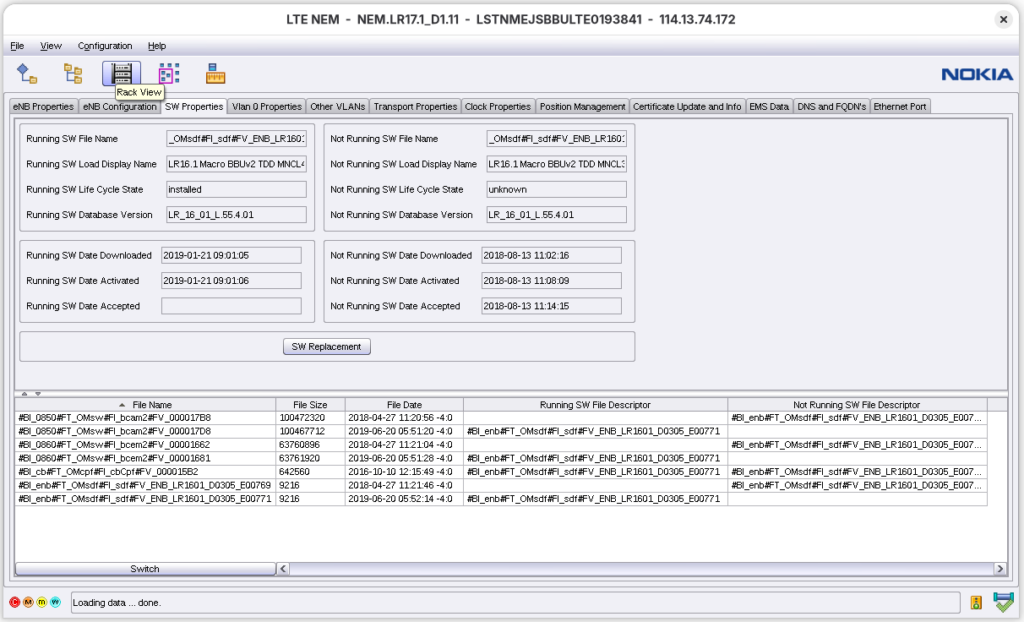
It did. MNCL4 success! You’ve reached peak Alcatel-Lucent eNodeB; gone as far as you can go. Take the time to enjoy it. Happy LTE-ing!