
The Pluggable USB3-HUB7BC is an older USB3 hub with a special property: all seven ports are software controllable with uhubctl. It’s been replaced by a USB-C version that has fewer controllable ports, but you can still find the OG on eBay. Controllable ports are critical for modem testing to ensure only one of multiple attached modems is active at a time.
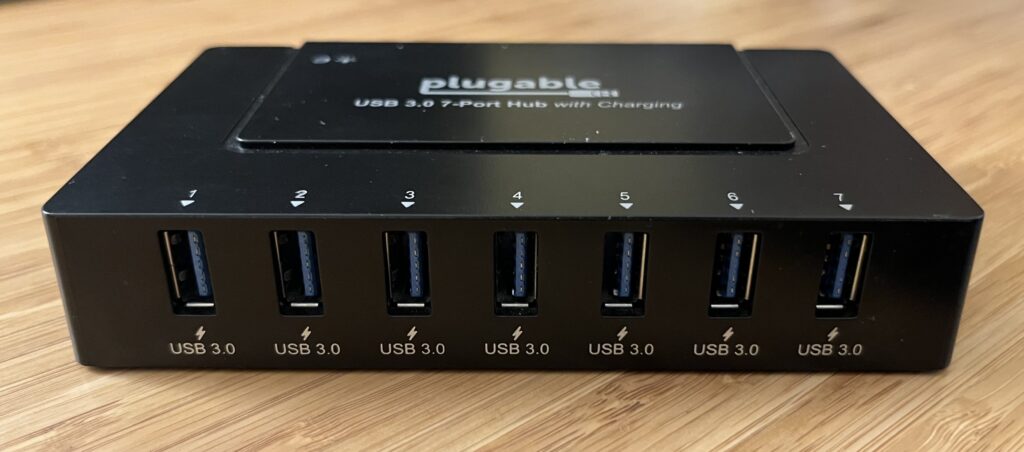
Unfortunately the hub is powered on by a momentary push-button, but it’ll be stuck inside an RF shield box and externally power-controlled with a Synaccess IP managed power strip. There is no non-physical way to turn the hub on when first powered. Can we change that?
Yes we can.
Open it Up
Taking off the four rubber feet reveals four Phillips screws.
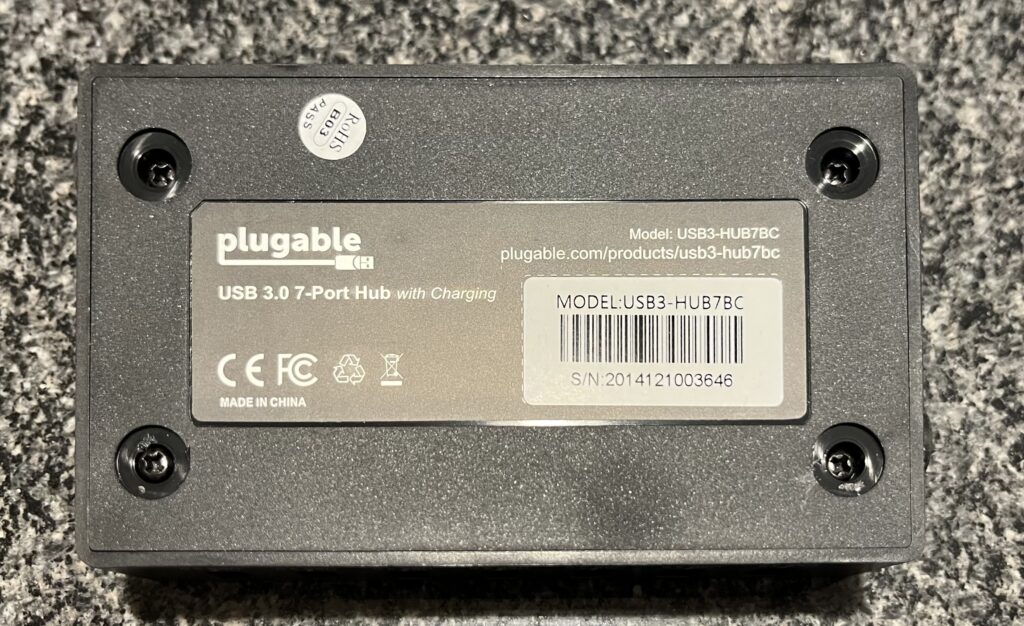
Removing those lets the bottom come off, revealing the PCB, which easily comes out of the case with a small tilt and a tug.
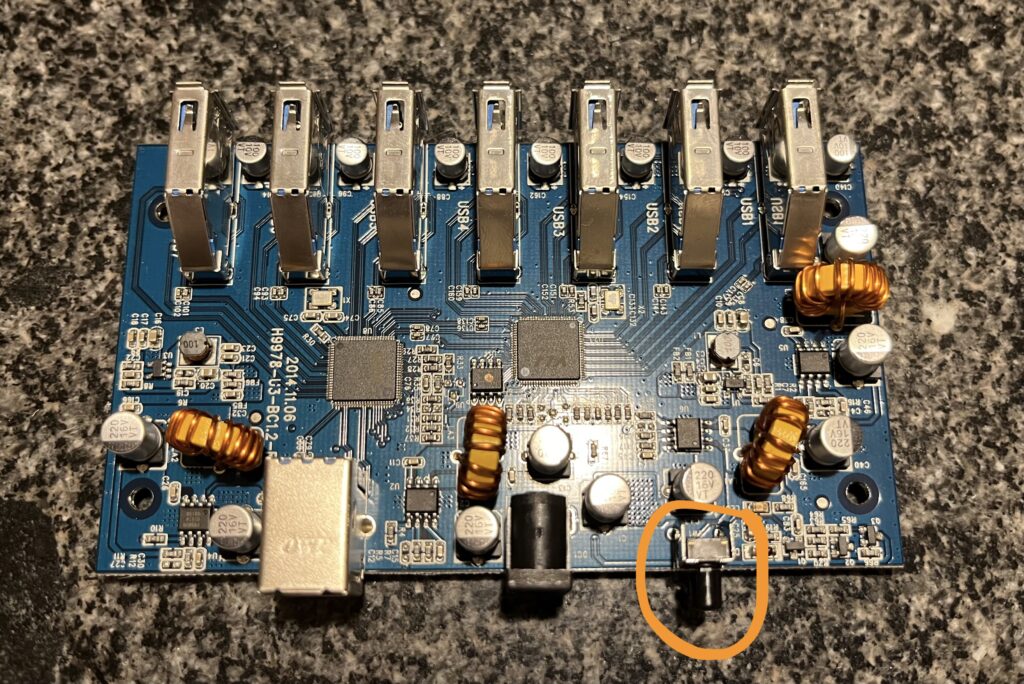
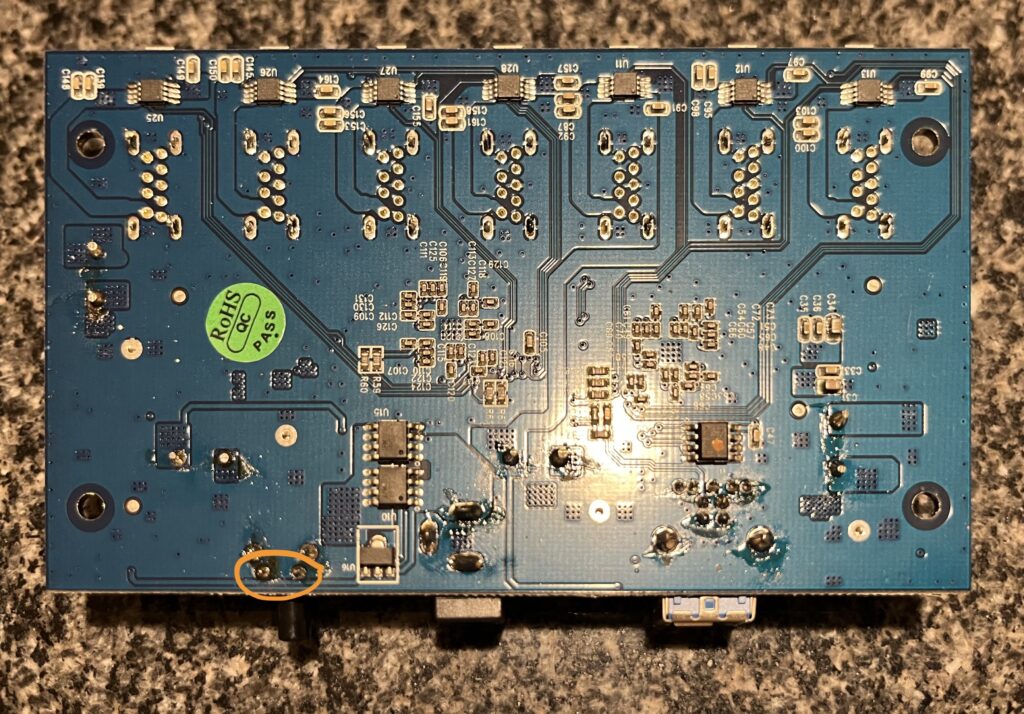
I’ve circled the power switch I need to bypass, so let’s flip over the board and use a multimeter to figure out whether the switch is normally open (NO) or normally closed (NC) and what pins I need to solder together.
Solder Time
Turns out it’s very simple; the switch is normally open (NO) and pressing the power button continuously doesn’t seem to put the switch into any kind of debug, reset, or firmware download mode. I just need to connect these two pins together and the hub will automatically turn on every time power is connected.
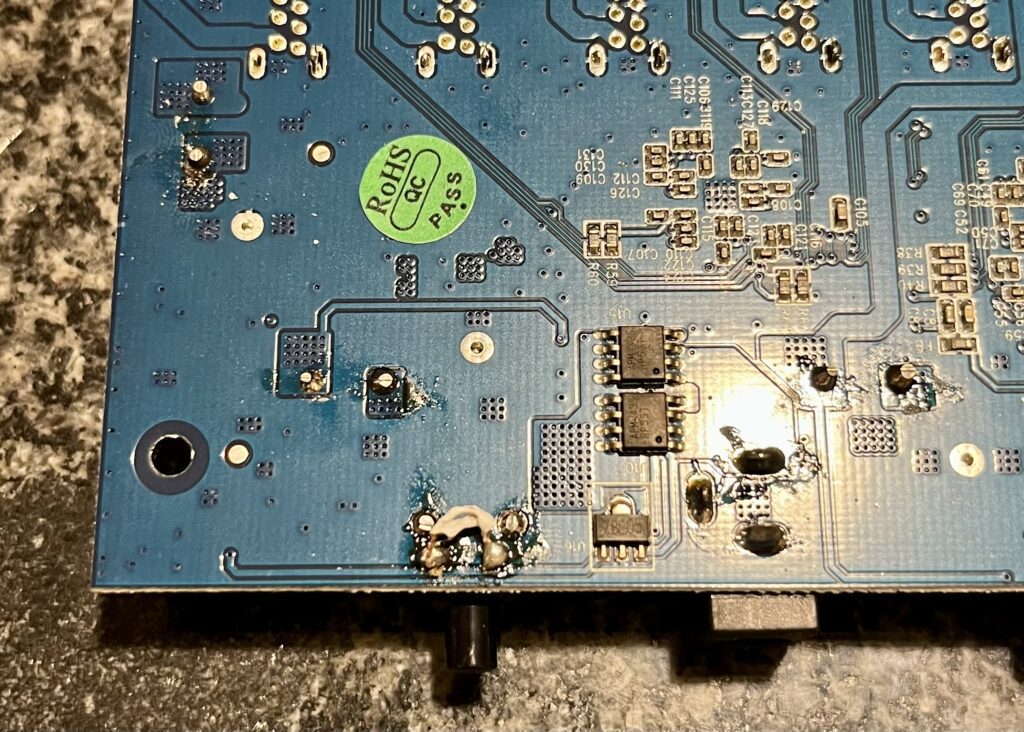
Ugly solder job for sure, but it works.